
How it works
Up and running the same day
No training needed. Four steps from opening the app to delivering your first order.
tailorshopmanager.com/shop

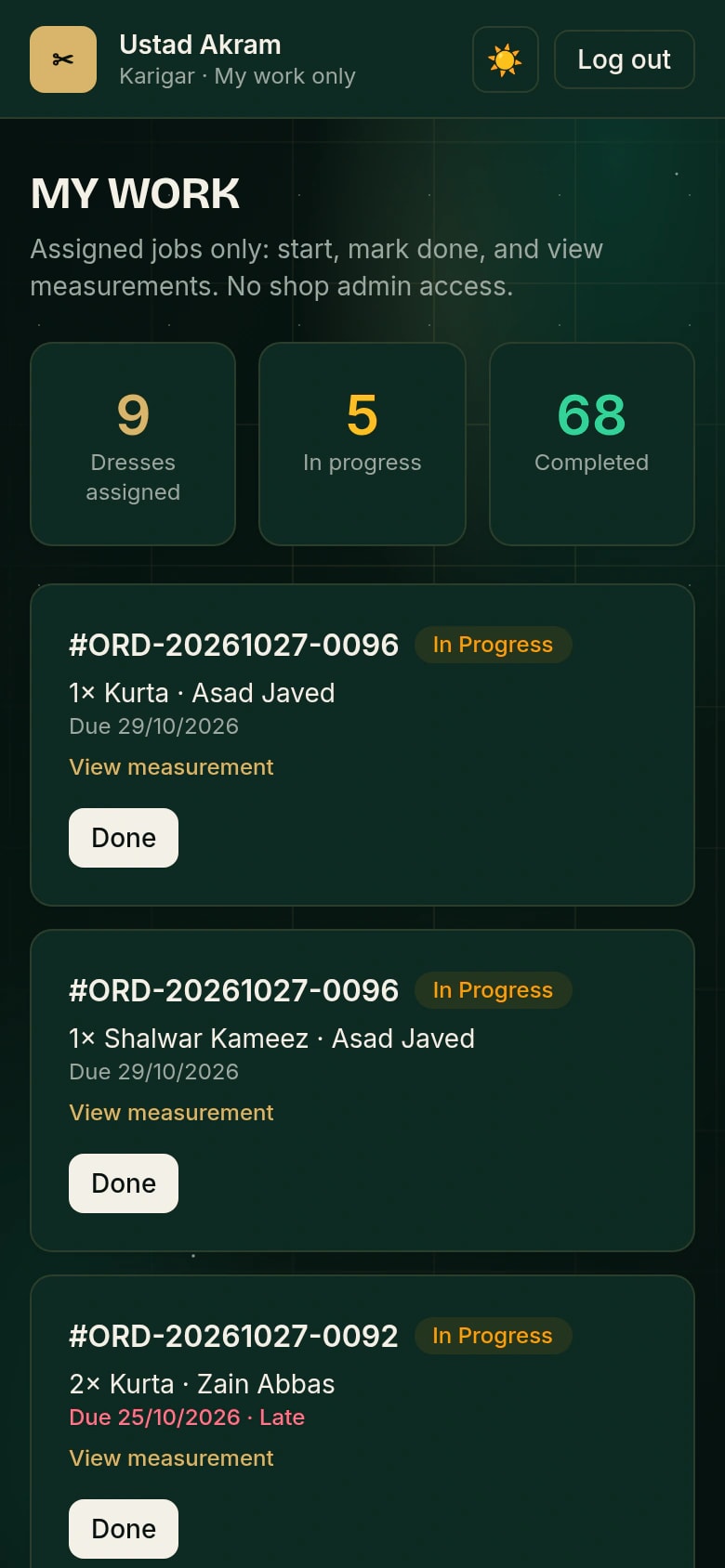
Four steps to run your tailor shop
🏪
Step 01🏪
Set up your shop
Enter your shop details, choose your shop type, and set a secure PIN. Optionally add yourself as a karigar if you also stitch.
🧑🤝🧑
Step 02🧑🤝🧑
Add customers & measurements
Create customer profiles and save their measurements once. Reuse them on any future order, so no re-measuring every time.
✂️
Step 03✂️
Create & assign orders
Build the order, set the delivery date and price, take an advance, and assign it to a karigar. Track it as Received → In Progress → Ready → Delivered.
📦
Step 04📦
Deliver & get paid
Mark the order ready, notify the customer, collect the balance, and print a clean receipt. Everything syncs when you are online.
Order lifecycle
Track every order end to end
A clear, simple status flow keeps you and your karigars in sync.
Received→
In Progress→
Ready→
Delivered